
Materials
There are five types of materials available in OctaneRender.
- Diffuse — Used for dull, non-reflecting materials or mesh emitters
- Glossy — Used for shiny materials such as plastics or metals
- Specular — Used for transparent materials such as glass and water
- Mix — Used to mix any two material types
- Portal — Used to designate openings in scenes to allow the render kernel to better sample light from those areas. The Portal material is covered in more detail in the Lighting section.
However, the most commonly used materials are the Diffuse, Glossy, and Specular. The Mix material is often used to blend any combination of these material together to provide deeper surface characteristics.
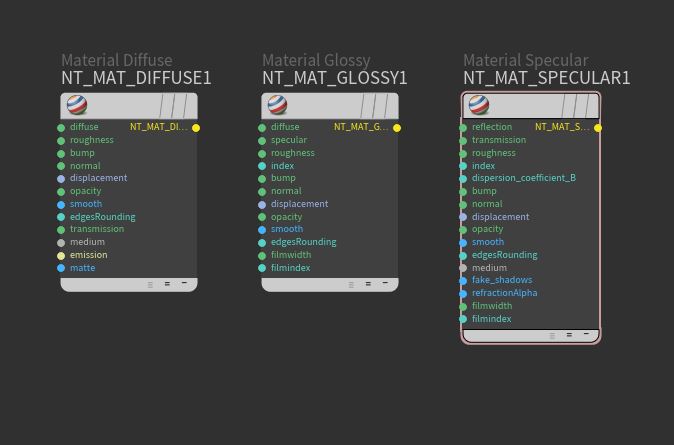
Materials can be created and accessed in a scene's SHOP network.
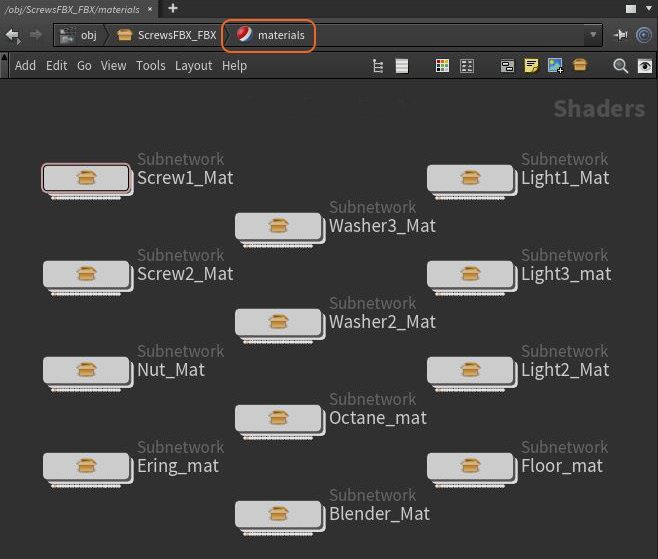
You can simply right-click or press the Tab key in a SHOP work area and choose the Octane Material type from the Octane category.
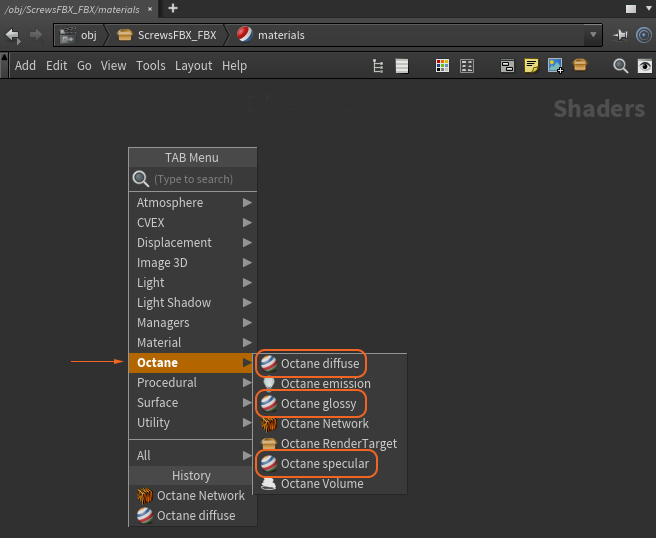
However, this will create an Octane material with limited parameter adjustments. The more flexible method for creating Octane materials is by right-clicking or pressing Tab in a SHOP network and choosing Octane Network from the Octane category.

This will create an Octane VOP node. All of OctaneRender's material and texture nodes can be accessed within the VOP network (double-click on the node).
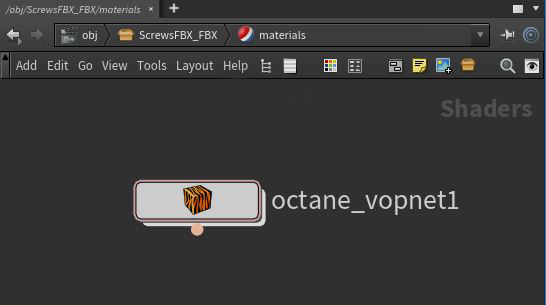
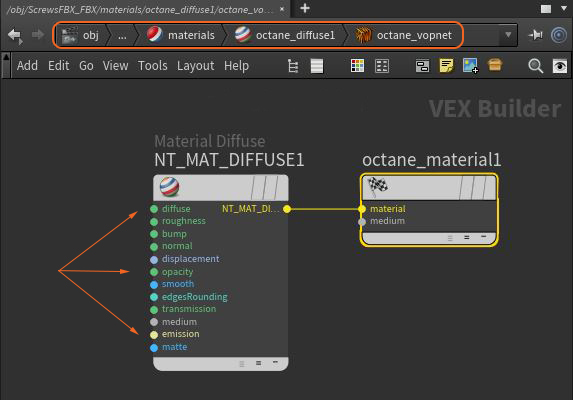
Within the VOP network (VEX Builder), the appropriate material type can be connected to the octane_material node as illustrated in the following image.

All other materials and texture nodes can also be accessed within the Octane VOP network. Each of these groups of nodes are covered in this section of the Reference manual.
NOTE
The default Octane materials can be converted to an editable Octane VOP network by right-clicking on the material node and choosing Allow Editing of Contents.

The material node will then provide access to all its parameters in its VOP network (VEX Builder).
Comments
0 comments
Please sign in to leave a comment.