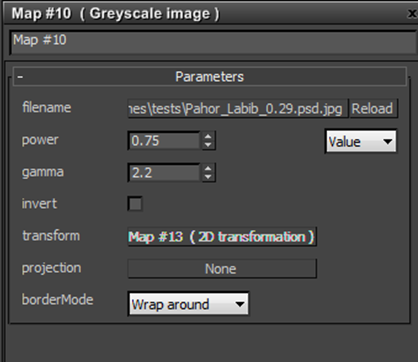
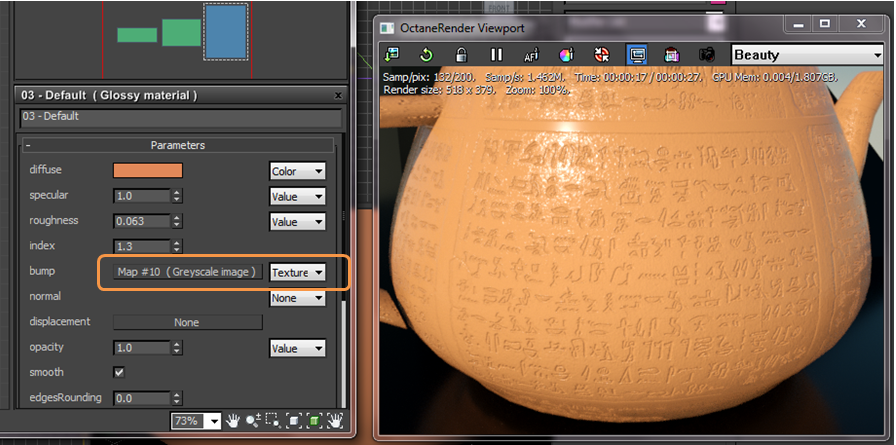
The Grayscale Image map interprets any texture map as gray scale even if it is a full color image, thus saving GPU ram. The Invert checkbox can be used to invert the image (useful for bump and opacity maps.)
New to Octane and wondering where to start? Check out our Quick Start Guides!
Cornelius Dämmrich, 52 Hz, 2016 | Cologne, Germany | OctaneRender with Cinema 4D

The Grayscale Image map interprets any texture map as gray scale even if it is a full color image, thus saving GPU ram. The Invert checkbox can be used to invert the image (useful for bump and opacity maps.)
Comments
0 comments
Please sign in to leave a comment.