
Working with Materials
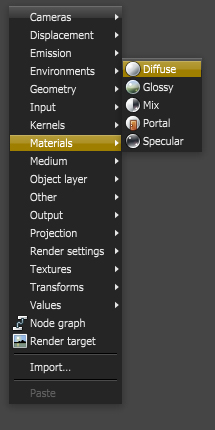
There are five types of materials in OctaneRender currently.
- Diffuse — Used for dull, non-reflecting materials or mesh emitters
- Glossy — Used for shiny materials such as plastics or metals
- Specular — Used for transparent materials such as glass and water
- Mix — Used to mix any two material types
- Portal — Used to designate openings in scenes to allow the render kernel to better sample light from those areas
Methods for selecting materials in a scene
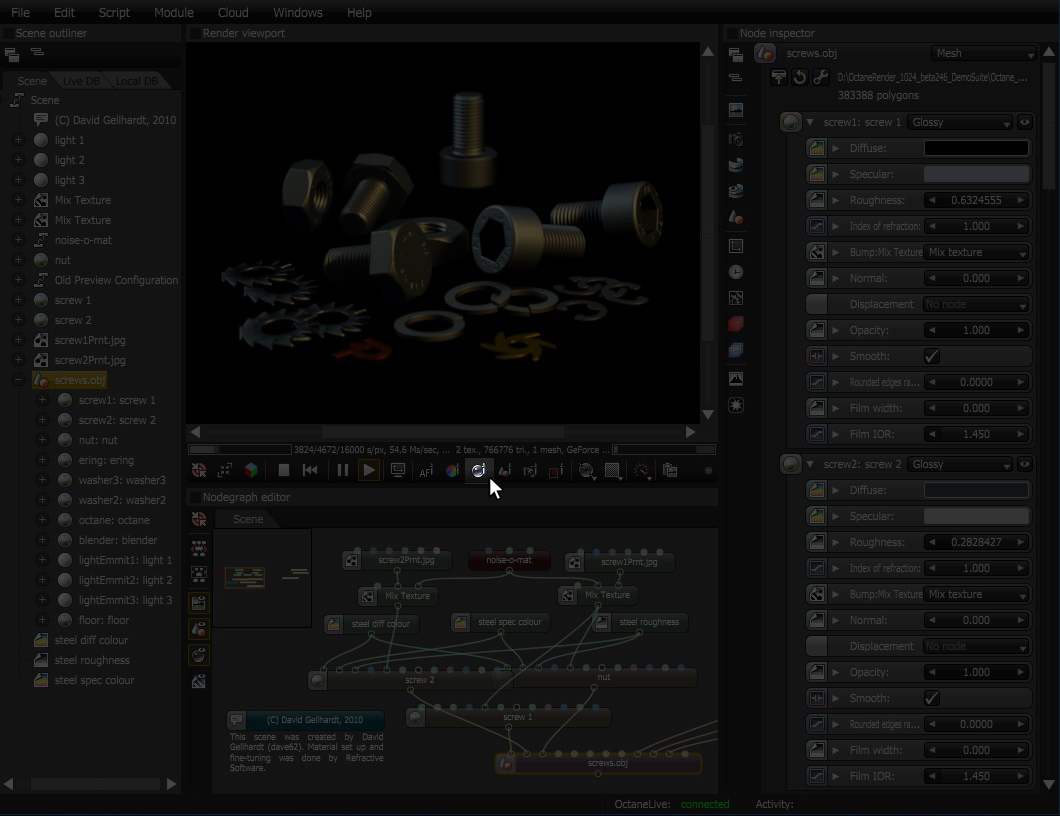
Select the material in the Outliner

Select the Mesh Node and then locate the material in the Node Inspector

Use the Material Picker and select the material in the Render Viewport.
Comments
0 comments
Please sign in to leave a comment.